
THE PUNCH LIST / YOUR WEBSITE
Should I build my own website with Wix or Squarespace?
The straight answer
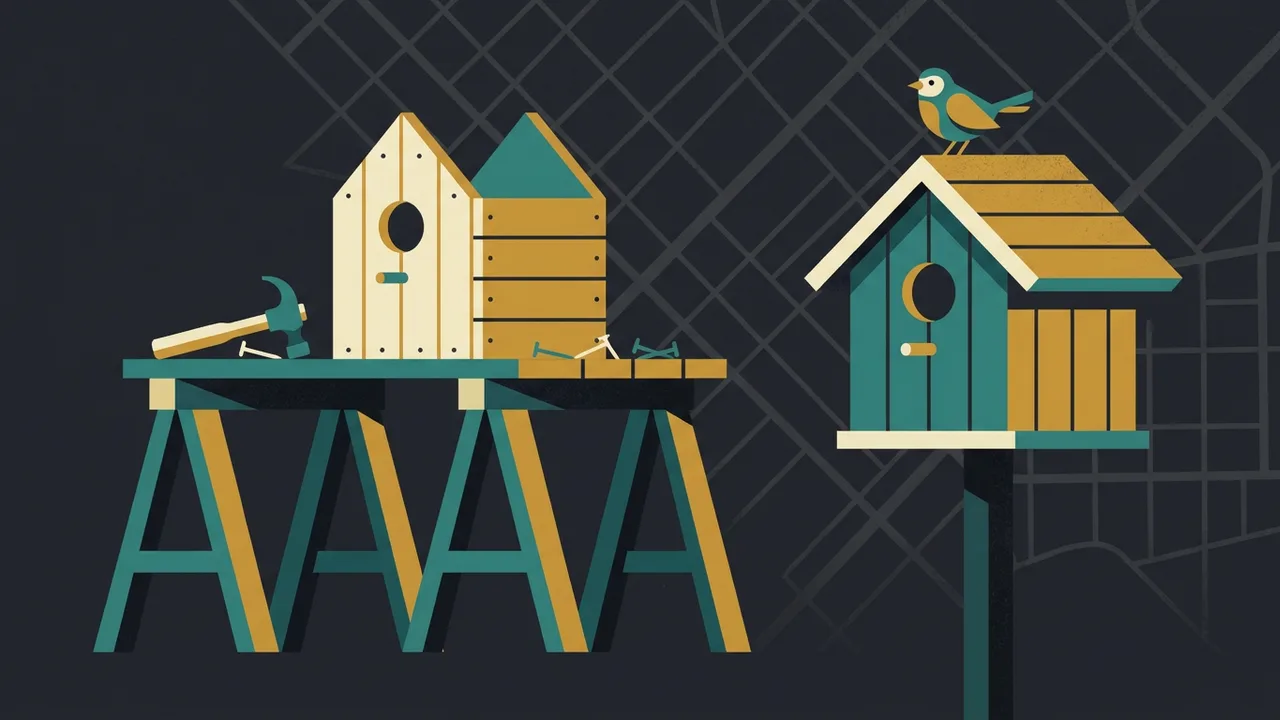
If you are starting out, have no budget, and need something online this week, yes — a builder site with your name, your services, your area, your phone number and real photos is far better than nothing, and it is what a new business should do. The honest limits: a builder site is usually slower on a phone than Google’s thresholds, its structure and structured data are only as good as the template, you will not own the code, and there will come a point where the site is the ceiling on the business. Build it with the eventual move in mind — your own domain, your own accounts, sensible page addresses — and treat it as the first site, not the last.
The Punch List / What to do, in order
- Register the domain yourself, in your own account, whatever platform you build on. The domain is the one thing that must never be someone else’s.
- Build the pages a customer and Google both need: home, a page per service, a page per city you serve, about with your face, contact with the number at the top.
- Use the builder’s SEO settings on every page: a title under sixty characters with the service and the town, a description, the page address matching the service.
- Your own photos, compressed before upload. Stock photos and the theme’s sample pictures cost more calls than any design choice.
- Test it at pagespeed.web.dev on the Mobile tab and on your own phone. If it is far off Google’s thresholds, know that this is the platform, not you.
- Run the free scan to see what the template did and did not do — structured data, AI-search basics, the conversion checks.
- Set a date to review it — a year, or the first month the calendar is full — and decide then whether the site is now the ceiling.
When building it yourself is the right call
A new business with more time than money should not wait for a professional site to exist online. A builder page with the essentials — who you are, what you do, where, a phone number, real pictures — can be live in a day, and it lets the Business Profile link somewhere, the ads land somewhere, and the customer who was told your name look you up. The alternative, for a lot of new businesses, is a Facebook page and nothing else, which is worse.
It is also the right call for a business that will stay small on purpose, that gets its work by referral, and that needs a site only to confirm it exists. Not every business needs to compete in search.
What a builder will not do, honestly
- Speed. Builders load their editor’s framework on every page. Most are slower on a phone than Google’s Core Web Vitals thresholds, and there is a floor you cannot tune past. The speed post explains why it matters mostly for calls, not rankings.
- Structure. A page per service and per city, each properly titled, with breadcrumbs and internal links — possible on most builders, but the template will not do it for you, and it is where most DIY sites stop at five pages.
- Structured data. Some builders add basic LocalBusiness markup; few let you add Service, FAQPage and the rest properly, and almost none will produce an llms.txt file or the other AI-search basics. The engines that now write answers read those.
- Ownership. You own the content and the domain (if you registered it yourself). You do not own the site: it cannot be exported as working pages, and if you leave, you rebuild.
- The ceiling. At some point the business outgrows the site — needs the speed, the pages, the tracking, the integrations — and every hour spent extending the builder is spent on something that will be replaced.
None of these is a reason not to start on a builder. They are the reasons to know when to leave one.
If you build it yourself, build it well
- The domain, in your name, at a registrar you log into. Not bought through the builder unless it is transferable and in your account.
- The pages that matter: home; one per service; one per city you want to be found in; about, with your photo and your name; contact, with the number at the top and a short form.
- Titles and descriptions, written per page in the builder’s SEO panel: the service and the town in the title, under sixty characters.
- The answer first on every page. The service page opens with what the job involves and what changes the price, not with a welcome.
- Your own photos, resized and compressed before upload. The camera roll straight into the builder is the most common reason a DIY site is slow.
- The number in the header as a tap-to-call link, and the same name, address and phone as the Business Profile, exactly.
- Google Search Console and analytics set up under your own Google account from day one, so the history exists when the site is replaced.
When to move on
When the calendar is full enough that a faster, better-structured site would produce more calls than you can currently take — that is the moment the site has become the ceiling. Or when you start paying for ads and the landing page is losing the clicks. Or when the seven tests fail. At that point the DIY site has done its job: it got the business through the start. The move is done carefully — every page address mapped and redirected, the content that ranks kept and improved — so nothing the first site earned is lost.
What a professional build gets you that a builder cannot
Pages that are fast because there is nothing to slow them — hand-written, no builder framework, served as static files from an edge network. A page per service and per city from the start, each written as an answer. The structured data, the llms.txt file and the AI-search basics built in. Conversion tracking and a first-party traffic dashboard from the first week. Accounts in your name, and the source files yours. And a fixed written scope with hosting and care included, so it is a project with a price, not a subscription with a ceiling.
That is a different product from a builder, and it is for a different stage. Start where you are. Move when the site is what is holding you back, and not before.
Free AI visibility scan / One a month per domain
See what Google and the AI engines make of your site.
It runs 85 checks in seven areas, from technical SEO to whether the page turns a visitor into a call, and AI search readiness counts most: 30 of the 100 points. It is the same audit we run before quoting any job. Free, one scan a month per domain, and nothing to sign up for — the result is yours whether you hire us or not.
Want it done instead?
Run the free scan on the site you built. It will tell you what the template did and did not do.
Speed on a phone, titles, structure, structured data, the AI-search basics and whether the page turns a visitor into a call — up to 42 checks with a PDF you keep, no email required. When the site becomes the ceiling, the build is a fixed written scope that keeps everything the first site earned.
FAQ / Answers
Questions people also ask
Is Wix good for a small business website?
It is good for getting a new business online this week with the essentials — name, services, area, phone, real photos — and better than nothing by a wide margin. Its limits are speed on a phone, the structure and structured data a template does not provide, and ownership: the site cannot be exported as working pages. Start there if that is the stage; plan the move for when the site becomes the ceiling.
Can a Wix or Squarespace site rank on Google?
Yes, for the searches a well-built page can win in its market — the platform does not prevent indexing or ranking. It does make speed harder, and it leaves the structure, the per-page titles and most structured data to you. A builder site with a page per service and city, real content and a strong Business Profile behind it will outrank a neglected professional site.
Should I hire a web designer or do it myself?
Do it yourself if you are starting out with no budget and need something live now; build it well and in your own name. Hire it when the business has outgrown the site — when a faster, better-structured site would produce more calls than you can take, when ads are losing clicks on the landing page, or when the platform cannot be made fast or grown. The move should keep everything the first site earned.
Do I own my website if I build it on Wix?
You own the content and, if you registered it yourself in your own account, the domain. You do not own the site as working code — it cannot be exported and run elsewhere — so leaving the platform means rebuilding. Registering the domain in your own name is the one step that keeps the move possible.
Read next / The Punch List
More answers.
Your website / 5-minute read
Do I need a new website, or can I fix the one I have?
The seven tests that decide it — speed, phones, structure, control, security, platform, brand — when a fix is right, when a rebuild is, how to keep what ranks.
Read the answer
Your website / 4-minute read
Why is my website slow, and does it actually matter?
The six things that make a small business site slow on a phone, Google’s thresholds for fast, why speed is mostly a conversion problem, and what to fix first.
Read the answer
SEO / 4-minute read
Why isn’t my website showing up on Google?
The nine reasons a site is missing from Google, from most to least likely — not indexed, blocked, too new, too thin, too slow — and the five-minute test.
Read the answerNEXT STEP
See what Google and the AI engines say about you — in a minute.
Tell us your trade and your city. Before we call, we check what the engines answer and who takes the calls today — so the first call is a straight answer on whether your market still has room.